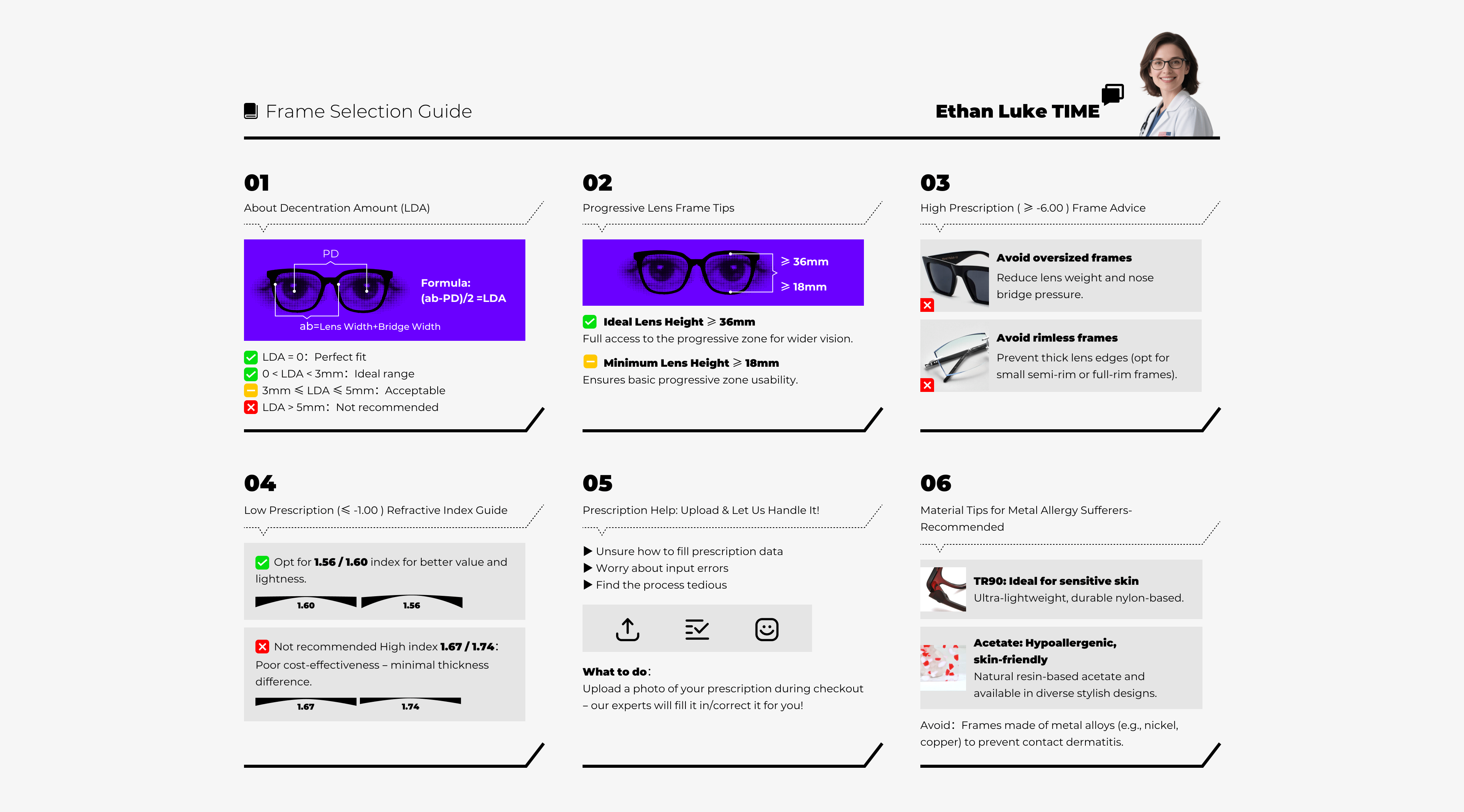
Pupillary distance (PD) is the measurement of the distance between the center of the pupils of your eyes.
You can do it yourself or have someone else measure it using a mirror and a ruler. Here are two measure ways for you:
1. APP: EyeMeasure (iOS):To measure PD, install the app, hold your iPhone 12–14 inches from your face in good lighting, and follow on-screen prompts to align your eyes. Stay still for a 5–10-second scan to get binocular and monocular PD results. For accuracy, measure 3 times and average the results. Avoid backlight and ensure straight-facing alignment.
2. APP: PD Meter (Android & iOS ):Install the app, grant camera access, and calibrate by holding a credit card vertically against your forehead. Align the card with on-screen markers, look straight, and tap “Capture” to scan. Results display instantly. For best accuracy, ask someone to assist and ensure the card is parallel to the camera. Retake if needed.